
Reviews · Hardware
Review: Valkyrie Syn360 liquid cooler
Maurice De Pauw · June 24, 2024
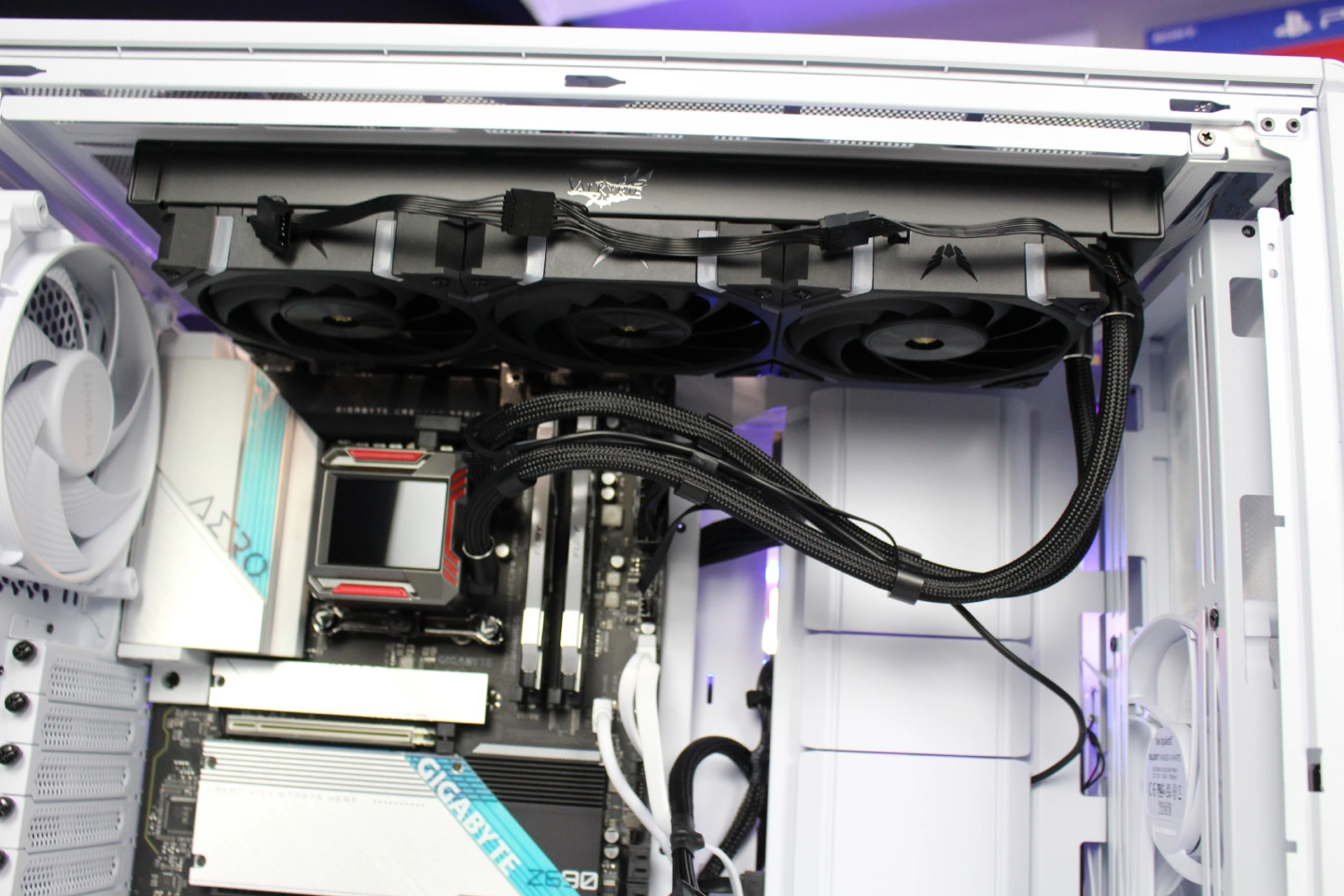
Valkyrie Syn360 liquid cooler
Valkyrie may be a brand you have never heard of, or perhaps you know the name but have no idea what to expect in terms of quality and performance…. In this review, we introduce you to Valkyrie, put the Syn360 liquid cooler to the test and share our results. We moved our existing system into a new case, the BeQuiet! Dark Base 701, and Kingston also supplied two products for this setup: 2x Kingston 16GB 7600MT/s DDR5 CL38 DIMM FURY Renegade RGB XMP and the M.2 Fury 2TB, with read/write speeds of 7.300/7.000MBs. For the SSD test, you can check out our SSD/M.2 benchmark list. We will also publish a separate review of the drive.
If you are interested, you can watch my unboxing video of the Valkyrie Syn360 liquid cooler below:
What's in the box
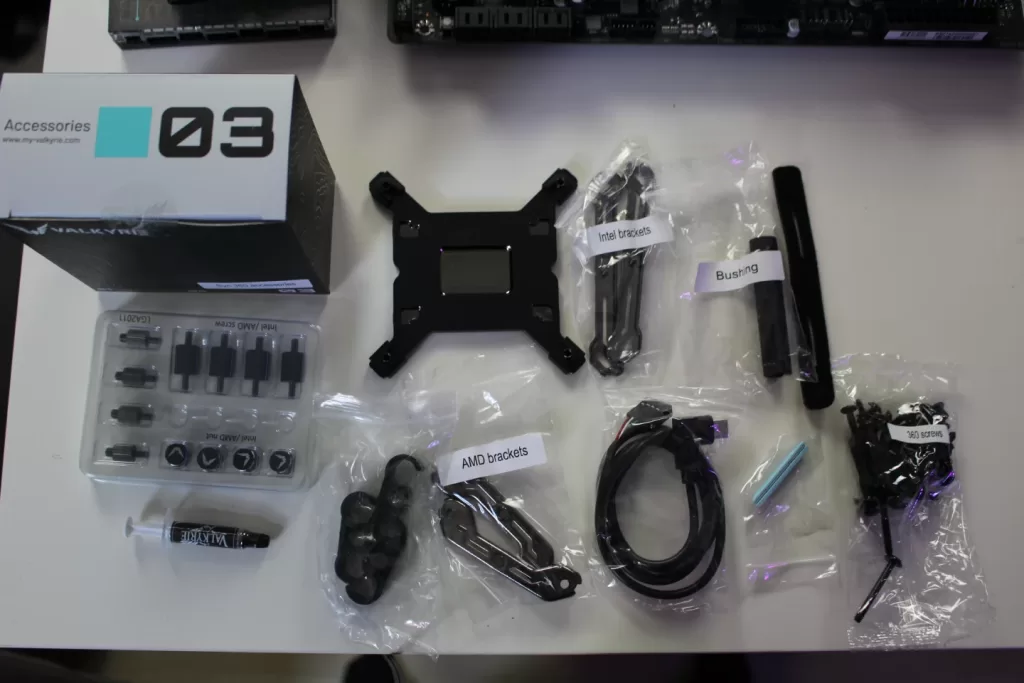
Skipped the unboxing video? Here is a quick rundown of what is in the box.
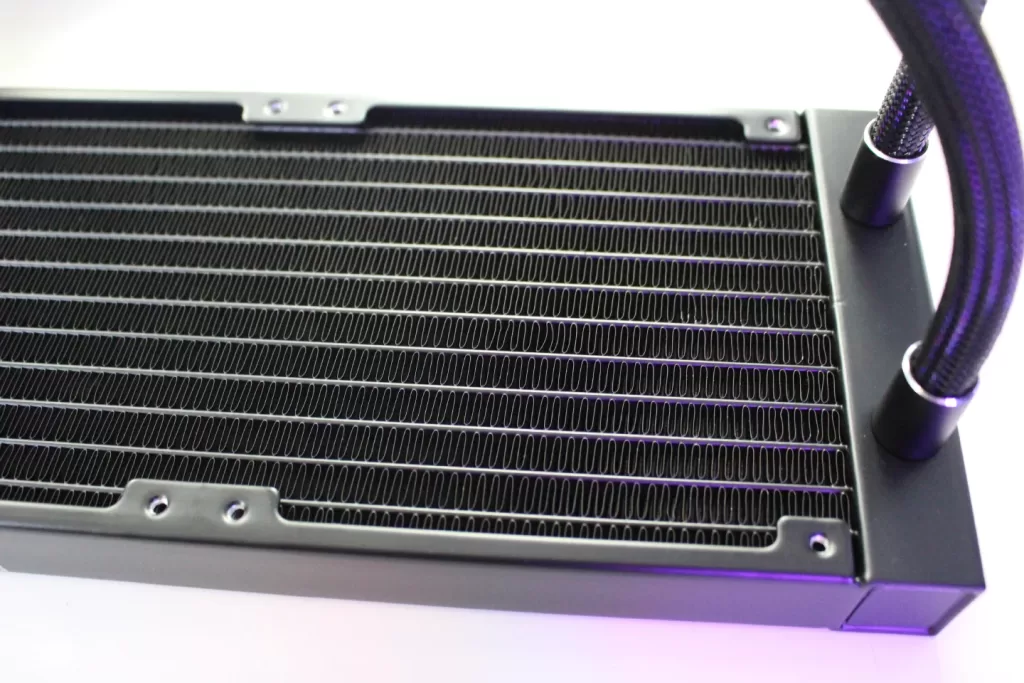
- 3x 120mm fans
- Radiator with pump
- Fan/Argb hub
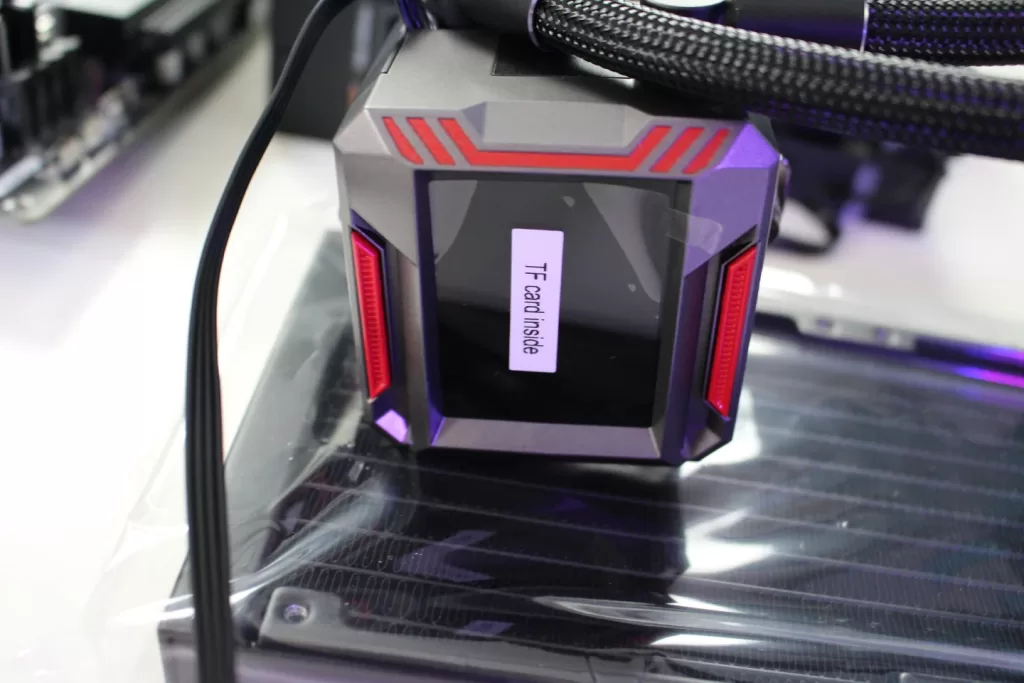
- TF card
- Socket mounting brackets
- Screws and cable clip
First impressions
Unboxing the Valkyrie Syn360 was an enjoyable experience in itself…. The way the accessories are packaged really completes the presentation. You can also feel the quality straight away: good materials, a sturdy feel and a very professional look! One thing to note is that the TF card is already in the card reader. In the video, I still thought it was missing or that I needed to buy one separately. The manual had led me to believe I still needed to insert a TF card. All in all, my first impression was fantastic. Keep it up, Valkyrie!
Test system
Bear in mind that liquid cooler test results will vary depending on the system, hardware, fans and other factors. Our setup consists of:
– BeQuiet! Dark Base 701
– Gigabyte Aero Gaming G motherboard
– 32GB 7600MT/s DDR5 CL38 DIMM (Kit of 2) FURY Renegade RGB XMP
– 1x Kingston Fury 2TB M.2
– Valkyrie Syn360
– Intel 12700F processor
We primarily test while gaming, as this provides useful information for most of you. In some cases, we also use Prime95 to put the processor under as much load as possible. We always specify what we used for testing in each review. Unless otherwise stated, we leave the fans at their default settings, assuming that you want a quiet system.
Installing the Valkyrie Syn360
Unboxing the Valkyrie Syn360 was an enjoyable experience in itself…. The way the accessories are packaged really completes the presentation. You can also feel the quality straight away: good materials, a sturdy feel and a very professional look! One thing to note is that the TF card is already in the card reader. In my video, I still thought it was missing or that I needed to buy one separately. The manual had led me to believe I still needed to insert a TF card. All in all, my first impression was fantastic. Keep it up, Valkyrie!
I made a showcase video to give you a closer look at the product and show how I rebuilt my system, including the Kingston Renegade M.2 and Kingston Fury DDR5 memory.
You can watch the video here:
Otherwise, installation was straightforward. We kept the manual handy to make sure we followed every step. After that, the trick is to route your cables neatly, not just to make the interior look good but also to ensure the best possible airflow inside the case. Fortunately, M.2 storage is widely supported these days, reducing the need for drives such as HDDs or conventional SSDs. My Gigabyte Aero motherboard, also shown in the video above, can accommodate no fewer than 4x M.2 drives. I installed the Kingston Renegade M.2 drive in the CPU M.2 slot for extra speed in combination with the processor. I explain this in the video as well.
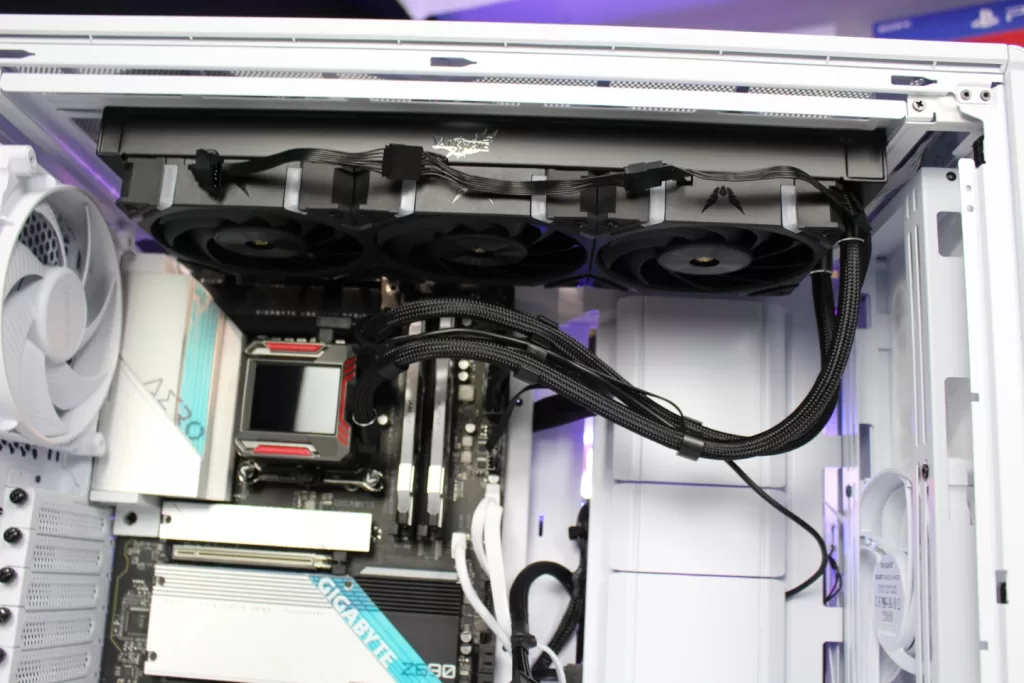
In this case, I installed everything in the BeQuiet! Dark Base 701. It offers plenty of room, as you would expect from such a large case.
One handy tool is the bushing, which you can also see in the picture of the box contents. It makes tightening the socket mounting screws easy. Without it, the job would be a little trickier. A big plus in my book!
Tips and tricks
We try to include some tips and tricks in every review. What should you look out for, and what should you remember?
– Naturally, it is important to check whether the liquid cooler will fit in your case. Perhaps the Valkyrie Syn240 would fit instead?
– The TF card is included and is already in the TF slot
– You can change the display orientation through the software, so the orientation in which you mount the cooler on the processor socket does not really matter
– Use the handy Valkyrie hub to connect all your fans
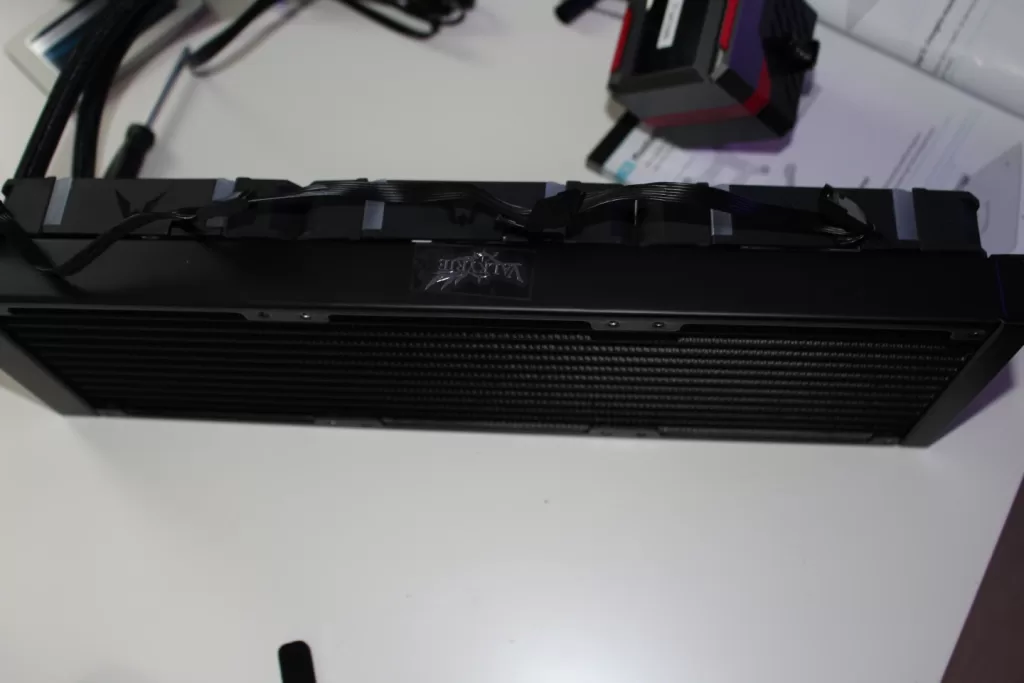
– Think carefully about where you want to mount the radiator. Some cases support a radiator at either the top or the front. Check beforehand that your chosen position works and that there is enough room to position the cooler/pump correctly
Results and testing
Now for the results! You can watch the showcase video to see what the Valkyrie Syn360 looks like once connected. All in all, I was very pleasantly surprised by a brand I had not known before and had stumbled across by chance. It turns out that Valkyrie is not yet particularly well known in the EU, although the company is working hard to change that. I predict we will be seeing more of Valkyrie, because the results are genuinely impressive! Brace yourself…… While the Deepcool LS520SE (see the review here) gave me an average processor temperature of 61 degrees while playing COD: MW2, the Valkyrie Syn360 delivered an eye-opening 48 degrees. In my setup, that is an improvement of 13 degrees, which is a substantial drop! It is also great value for money, as Valkyrie combines relatively competitive pricing with fantastic results.
I keep seeing the same results across different games…. There is a world of difference between this product and the Deepcool. Yes, of course, the Deepcool only has 2 fans, and the extra fan helps, but even so, such a large improvement is excellent. Looking around online, I keep finding positive feedback too.
Using Prime95 with 12 cores and hyperthreading enabled, I also recorded the following results:
Prim95 + standard cooling
Highest temperature recorded: 62 degrees
Prim95 + performance cooling
Highest temperature recorded: 53 degrees
As you can see, there is quite a difference, although the latter is certainly an extreme scenario: the processor under heavy load and all the fans running flat out. Interesting, of course, but we assume our readers are mainly gamers who want to know what advantages or disadvantages they can expect.
That wraps up my review of the Valkyrie Syn360. I am extremely happy with it. Although I would probably choose a more compact case myself, it is only fair to say that the Dark Base 701 is an excellent case, with plenty of room not just for building but for future expansion too!
Verdict
Editor's Choice – an absolute must-have.
Pros
- Professional quality at an affordable price
- The pump is quiet and works like a workhorse
- Beautifully packaged with a high-end feel
Cons
- What cons? :)