
Reviews · Behuizingen
Review: Bequiet! Dark Base 701 White PC Case
Maurice De Pauw · March 24, 2024
Introduction
We recently made an unboxing video of the Bequiet! Dark Base 701 White. You can watch it here. With more than 100 systems built and over 20 years of experience, I had another opportunity to review a PC case. This time, it is the Bequiet! Dark Base 701 White. This review also includes a short video explaining some of its features. Let's start with first impressions.
First impressions
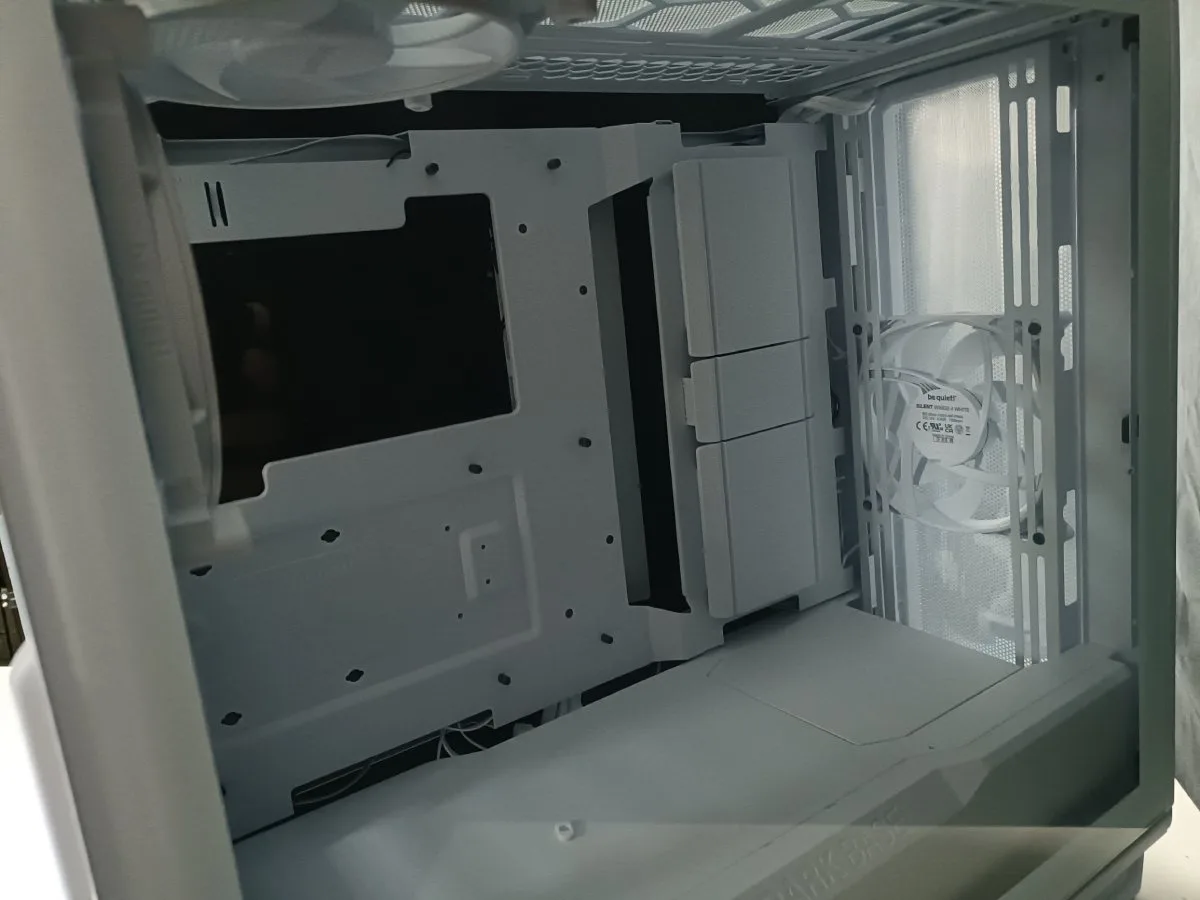
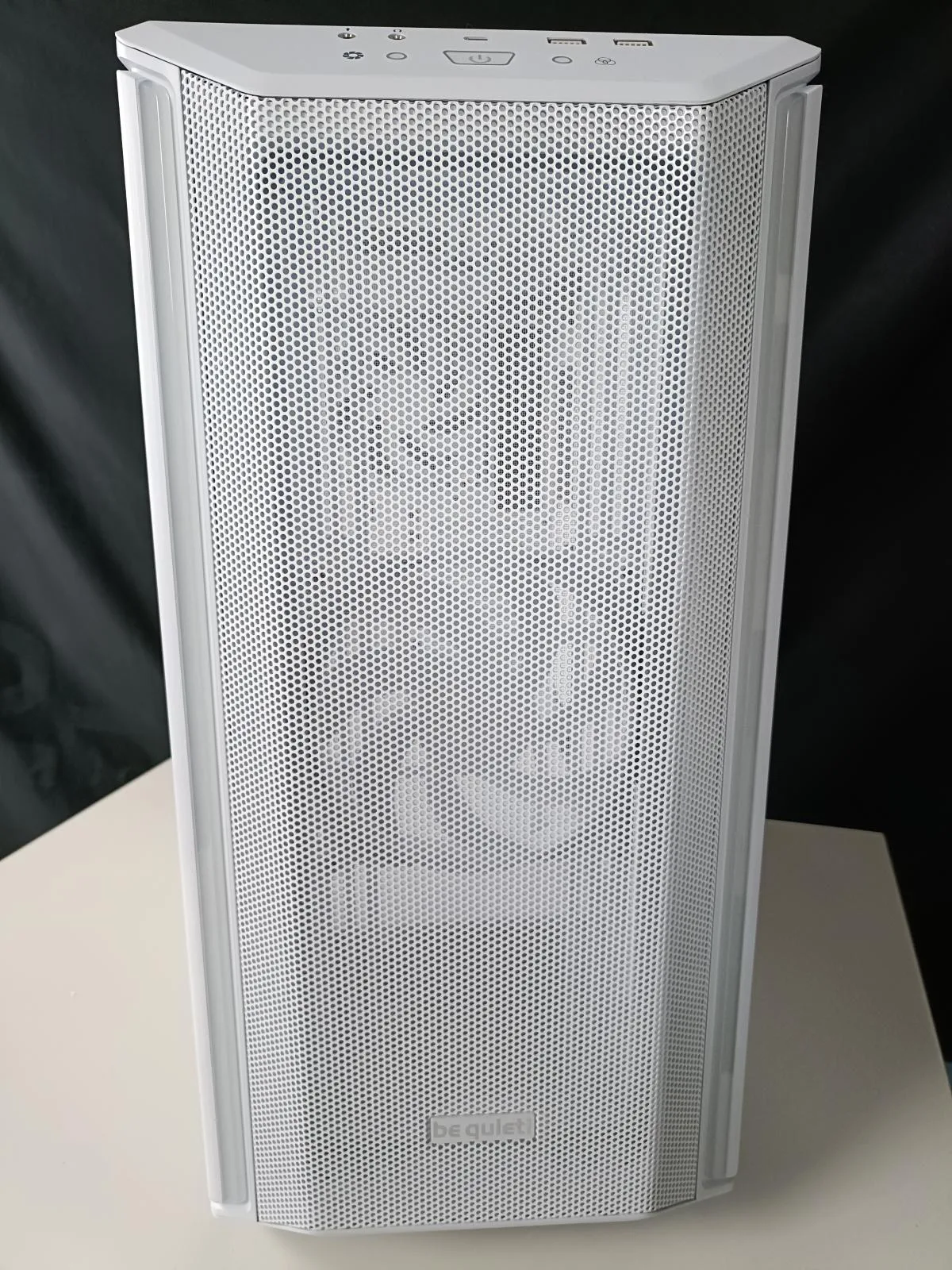
The white finish immediately stands out when you take the case out of its box. Perhaps that is a matter of personal preference, but however you look at it, the case looks sleek and really catches the eye. The mesh on the top and front is prominent and feels sturdy. There is a dust filter underneath, and the feet raise the case slightly off the ground. The glass side panel has a white border, which looks particularly cool. I briefly show this in my unboxing video too. It is also worth mentioning that the case is neatly finished, with no sharp edges or anything similar. That gives it the look and feel of a professionally designed case. Clearly, some thought has gone into it! We also find 3 preinstalled fans, a separate power supply compartment that isolates its heat from the GPU and CPU, and plenty of room for cable management.
Specifications
- 3 preinstalled 140mm fans (1x top and 2x front)
- Cable management
- Supports a radiator up to 360mm
- Tool-free installation for HDDs and SSDs
- Integrated ARGB controller
- 3-year warranty
- Mid-tower
- 3x external 3.5-inch bays
- 3x 3.5-inch bays (HDD/internal)
- 2x 2.5-inch bays
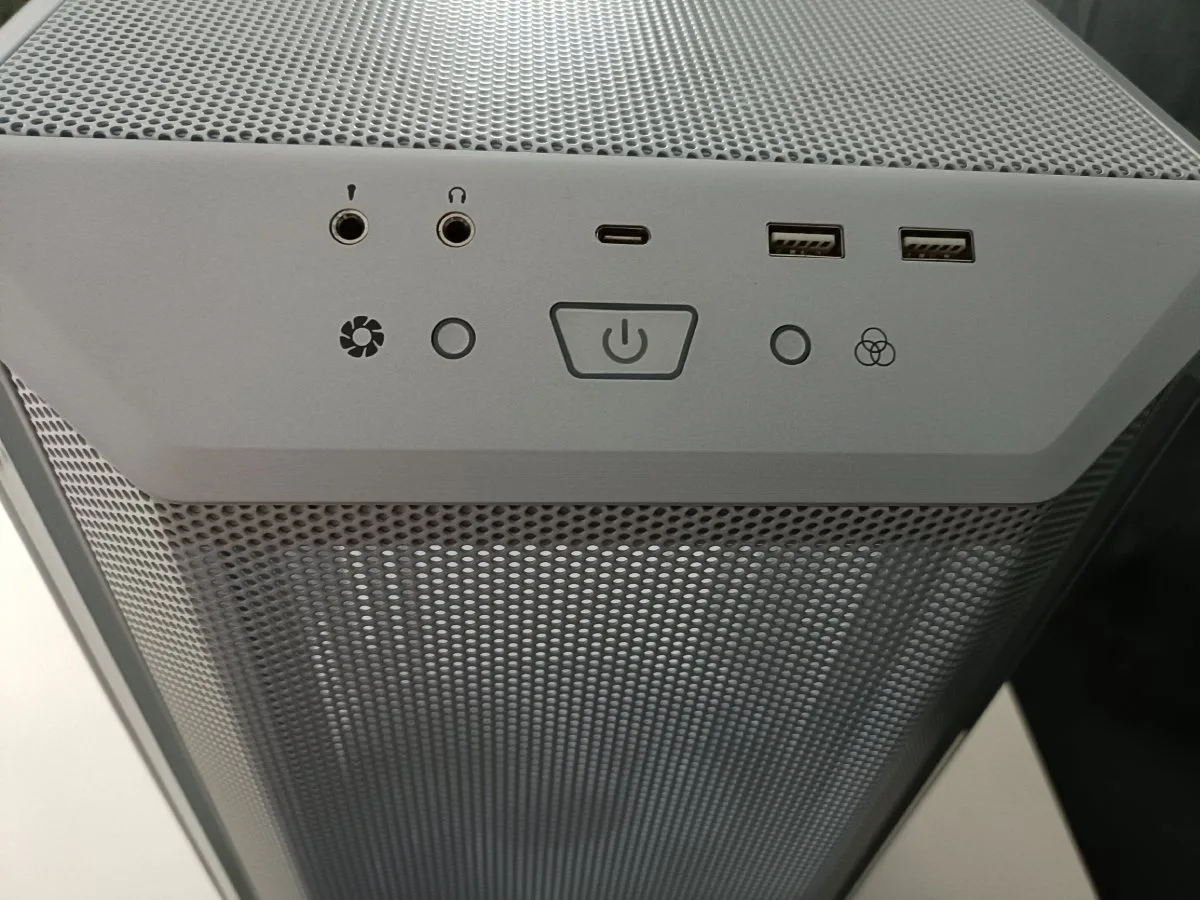
- USB: 2x USB 3.2 Type A and 1x Type C
- Case dimensions: 49.5 cm x 56.5 cm x 24.9 cm
Features
You might say that a case is just a case, so what is there to talk about? What sets one apart from another? That is a fair question, and sometimes a tricky one to answer. There is an enormous amount of choice in this market, with every company trying to stand out from the competition. I focused mainly on practical features and what makes the Dark Base 701 special. First up is the fan controller, which is integrated into the top-front section of the Dark Base 701. This can be useful during an intense gaming session when you want a little extra airflow to keep temperatures as low as possible. We have not tested this in practice yet. We hope to publish a new review or add an update here as soon as possible. The fan controller offers settings of 600 rpm, 1200 rpm and 1900 rpm.
Dust filters: For dust protection, the case has a bottom dust filter (see the video below for more details), mesh grilles on the top and front, and a front dust filter that is easy to clean and held in place by magnets. That earns it another plus point, as keeping as much dust as possible out of your case is important. It is worth cleaning the dust filters from time to time. There is no dust filter on top, which in theory is not strictly necessary because the fans there should exhaust warm air.
Water cooling: You can install a radiator for your water-cooling system at the top or front. Keep in mind that the maximum supported size is 360mm. The Dark Base is fully ready for water cooling, with plenty of room, making it an excellent case for the job! Thinking of buying a water-cooling system? Check your options carefully, as ideally your motherboard should support a water pump. That means it has a dedicated connector to control the pump. A good match would be the Bequiet! Pure Loop 2, which we will also be reviewing soon and featuring in a system build video.
Power supply: Housing the power supply in a separate compartment prevents extra heat from entering the area around the motherboard and graphics card. You can also install 1 fan at the bottom to exhaust warm air downwards. That is why the Dark Base 701 is slightly raised.
ARGB LED: Two LED strips run along the sides of the front panel and can be controlled via ARGB. You also have the option to connect 2 ARGB devices.
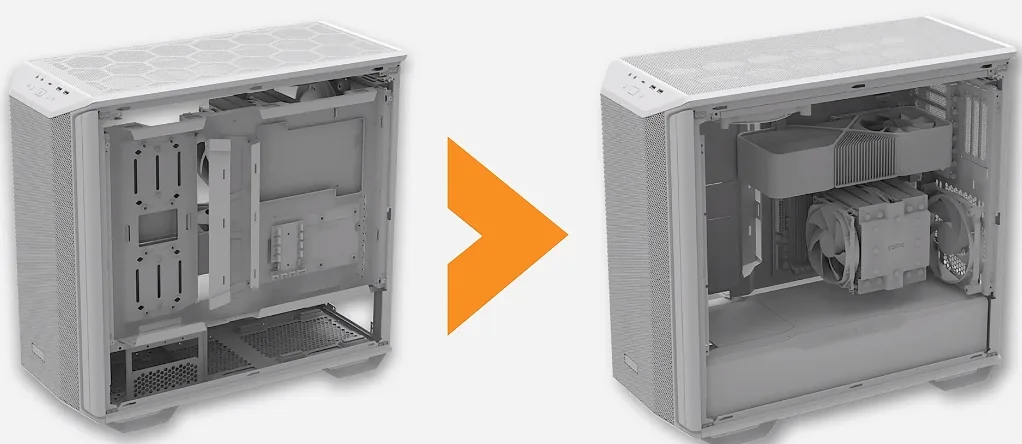
Modular case: To top it all off, you can invert the motherboard tray and power supply shroud in just a few simple steps. This places the graphics card at the top and the CPU at the bottom. Here is an illustration:
Tool-free HDD and SSD installation
In this section, I want to take a closer look at tool-free HDD and SSD installation. I was curious to see whether it lived up to Bequiet!'s claims. I also made a video so you can see how it works. Overall, it is a great feature and much easier than dealing with screws. Normally, I would say screws are the better option, but I have to admit that this looks and feels solid. I do not expect any problems with it.
In the following video, I demonstrate several of the features.
Conclusion:
Verdict
Editor's Choice – an absolute must-have.
Pros
- Front and bottom dust filters
- Tool-free HDD and SSD mounting
- Plenty of room for cable management
- Included fans
- High-quality finish
Cons
- Only 2x 2.5" bays (unless your motherboard supports, for example, 4x NVME drives)