
Reviews · Behuizingen
Review: Be Quiet! PURE LOOP 2 FX
Abel Visser · June 7, 2024
Be Quiet! PURE LOOP 2 FX
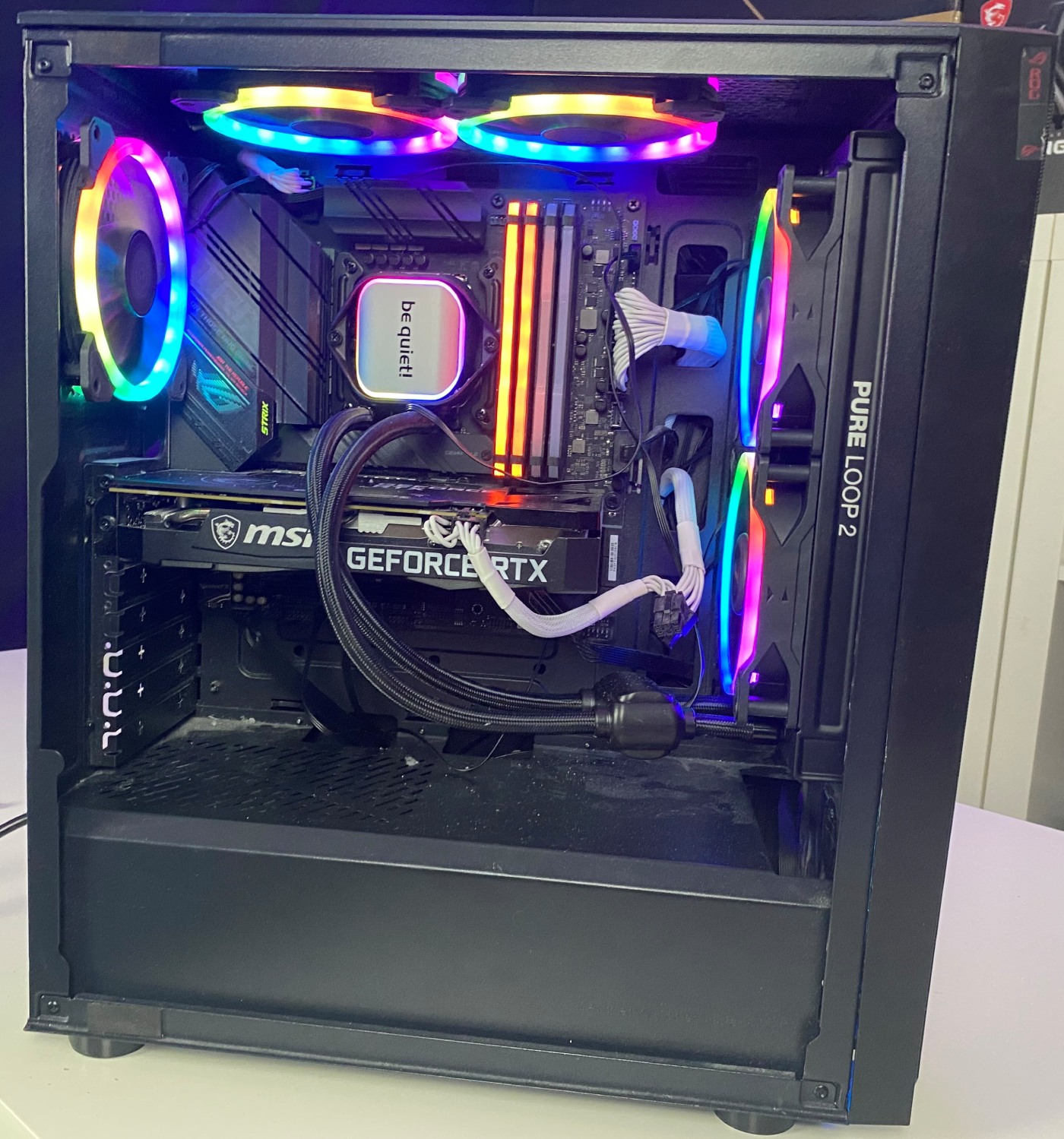
Welcome to my first review, in which I put the Be Quiet! Pure Loop 2 FX to the test. The Pure Loop 2 from Be Quiet! is a CPU liquid cooler, and I have now installed it in my Coolemaster CMP 510 case. Next, I will run a few tests to round out this review. My previous air cooler was the Cooler Master MasterAir MA612 Stealth ARGB—a bit of a mouthful :). For this review, I measured temperatures while playing two games, then repeated those tests with the Pure Loop 2 FX. I had been using the Cooler Master air cooler for around a year, so I am very curious to see what the Bequiet! Pure Loop 2 fx can do for my system.
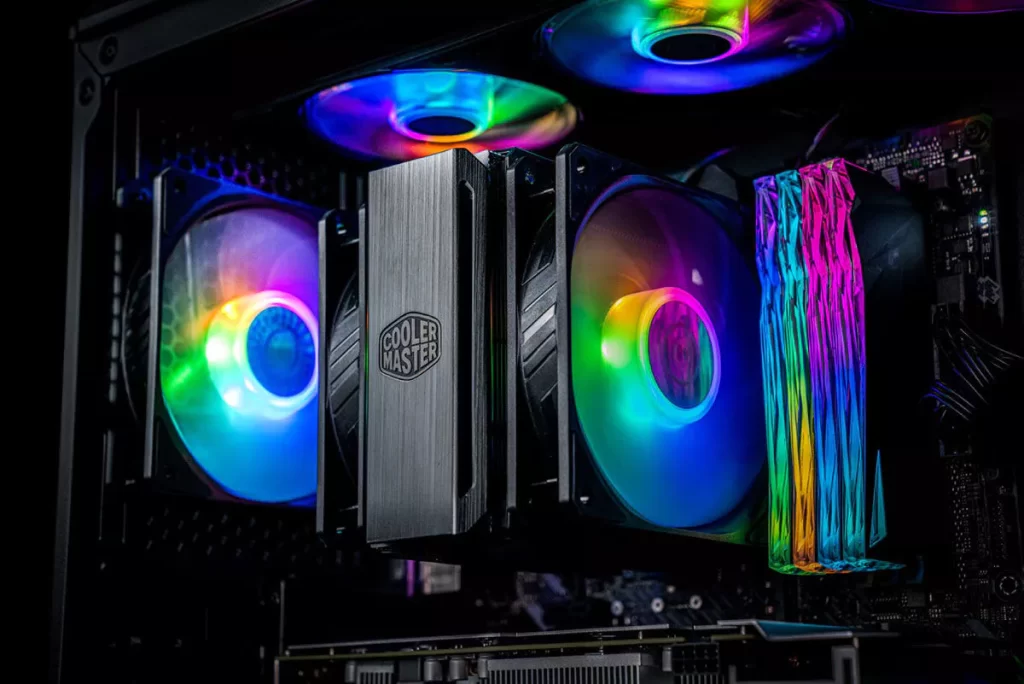
Below is a photo of the old setup, which I will use for the initial tests. At the end of this review, I will include a photo of the current setup.
Setup
It is worth noting that our testing is based on the specifications below. Keep in mind that your results may differ… Why? Because every system is different, from its fans and case to the hardware inside. Overall, we believe our tests and results give a good indication of how the Pure Loop 2 FX performs, helping you understand what to expect from this liquid cooler.
Here are my specs:
CPU: intel i5-11400f
RAM: corsair vengeance 32Gb
GPU: RTX 3060
Motherboard: ROG STRIX B560-G GAMING WIFI
Pure Loop 2 FX specifications
Radiator dimensions, including fan mounting bracket (H x W x D) (mm): 277 x 120 x 52
Cooling block dimensions (H x W x D)(mm): 94.5 x 83 x 42
Total weight (kg): 1.18
Intel socket compatibility: 1700 / 1200 / 2066 / 1150 / 1151 / 1155 / 2011(-3) Square ILM
AMD socket compatibility: AM5 / AM4
Noise level: (dB(A)) at 50% / 75% /100% rpm 16.7 / 26.3 / 32.3
Number of fans: 2
Lighting connector: 3-pin 5V addressable
Tube length (mm): 400
Refill port: ✓
What is in the box?
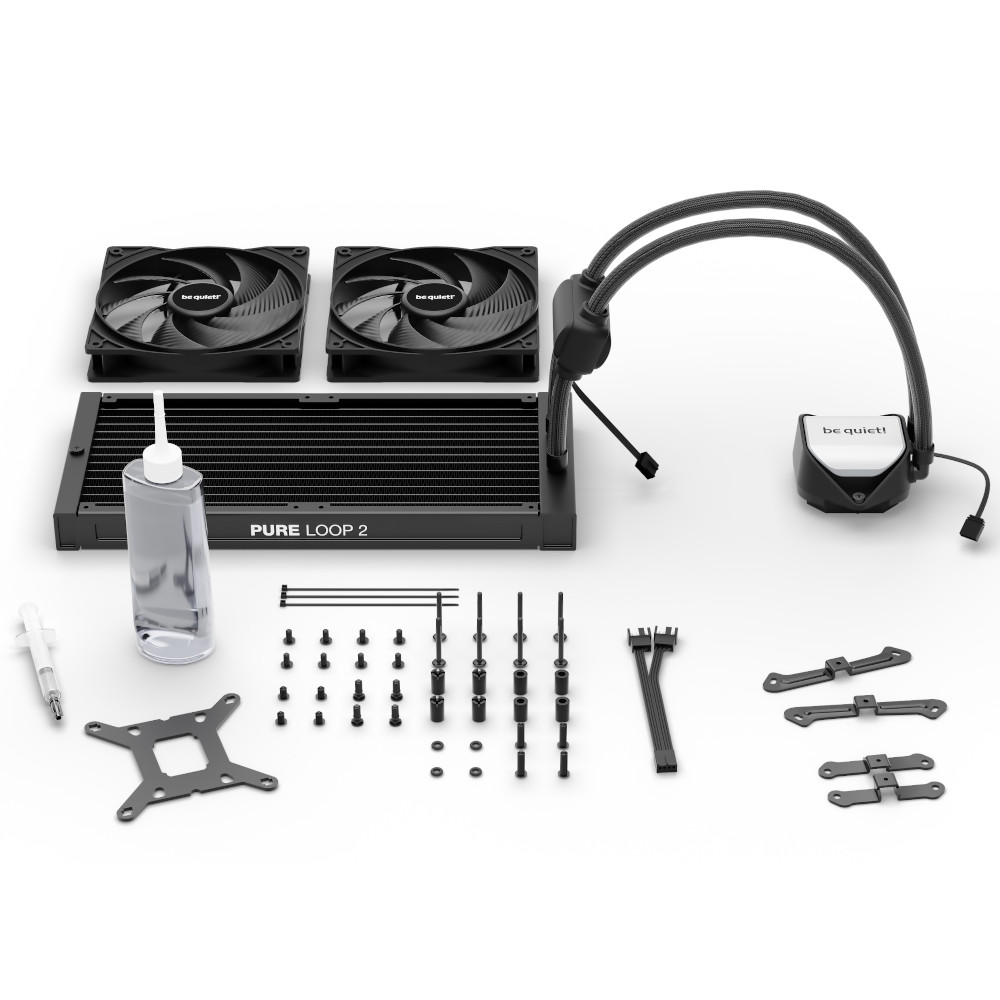
The package includes the following:
-
- 2x 240 mm Light Wings fans
- Mounts for all modern CPU sockets, including LGA1700 and upcoming AM5 motherboards
- Zip ties
- Thermal paste
- Manual
- aRGB and fan controller hub
- Extra coolant
First impressions
After our unboxing video, I got started with the BeQuiet! Pure Loop 2 FX, and I have to say that everything looked and felt like a quality product. Of course, saying that is easier than knowing exactly what everything is made of. Still, I inspected and handled all the parts, and everything felt sturdy and robust! That put my mind at ease. Everything was well packaged, and thermal paste was included too, which was handy because I had been worried I would need to buy it separately. The box also contained two sets of brackets, one for AMD and one for Intel. That is a welcome addition: if I ever want to switch to AMD, I can easily do so without replacing my cooler. My first impression was therefore a positive one. If you are interested, you can also watch my colleague Maurice's unboxing video here:
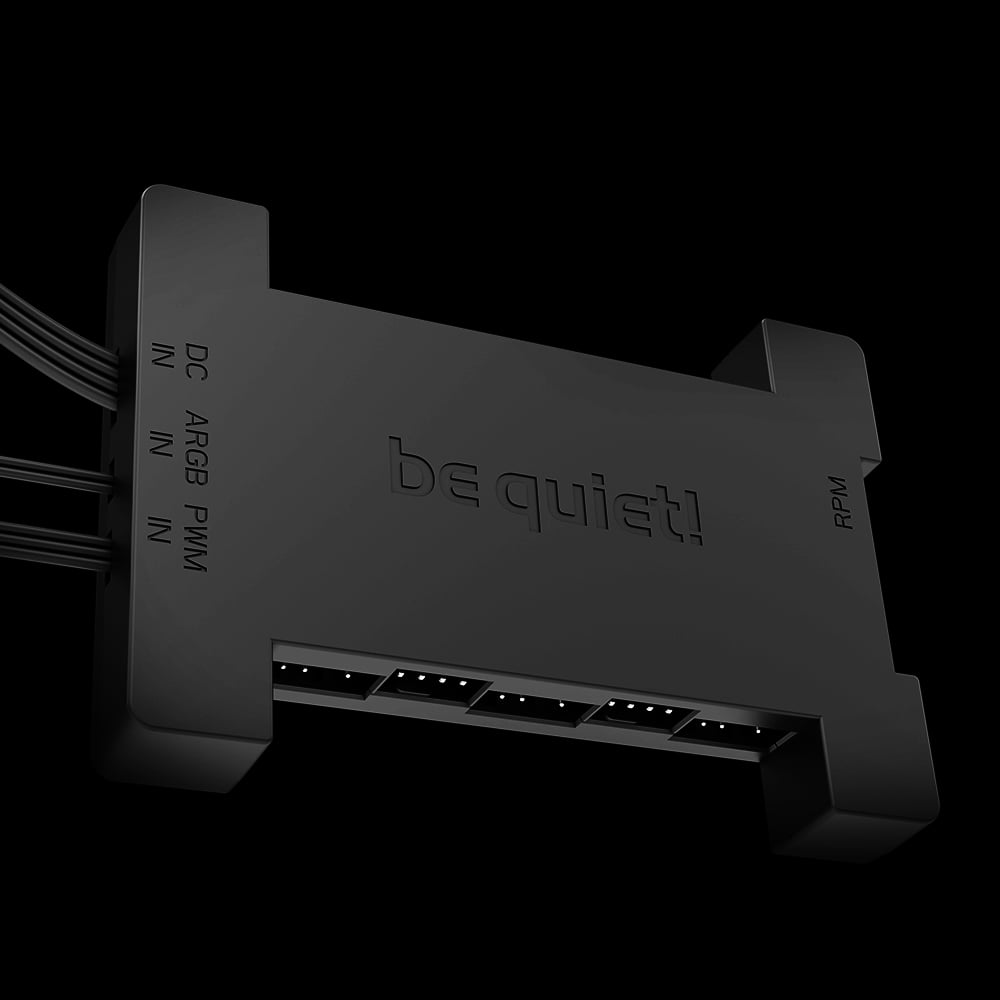
It is worth noting that we will be using the Intel brackets, as you probably already guessed from my system specifications :). The Bequiet! Pure Loop 2 FX also comes with a handy hub. Almost every manufacturer includes one as standard, and its absence would certainly be felt:
Fitting and installation
First, I had to remove my old cooler. Planning to do this yourself? Be careful not to damage anything, and only proceed if you are sure you know what you are doing.
Removing my old cooler was not easy because I did not have a manual, so I first had to visit the manufacturer's website. There, I checked the installation instructions and followed them in reverse. Then I could finally get started… The first steps were reasonably easy to follow. However, when I started mounting the block on my motherboard, things suddenly became much less clear. I needed to fit the CPU socket brackets, but the illustration in the manual was not clear enough. The brackets can be fitted in two orientations, only one of which is correct. Naturally, I got it wrong and had to turn the brackets around. The photo below shows how they should be positioned. Fitting the fans to the radiator was quick and straightforward! Just pay close attention to their orientation: the idea is to blow air through the radiator. The manual does not mention this, but you can work it out by looking closely at the fans.
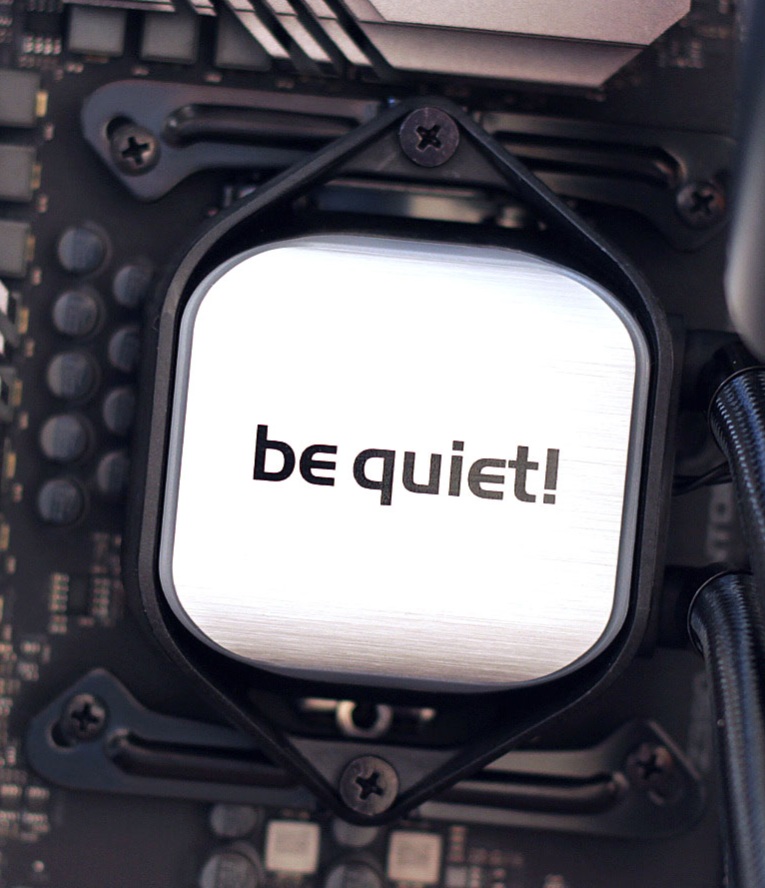
I did not find the manual particularly good. You would expect certain details to be clearly explained, and I think there is plenty of room for improvement here. You therefore need to think carefully and pay attention when installing the Pure Loop 2 FX. Unfortunately, the radiator was too large to mount at the top of my case, so I opted to fit it at the front instead. I originally had intake fans there, but I removed them and installed the radiator in their place, with its fans on the inside of the case. Another tip, then… Check which liquid-cooling configurations your current case supports before you begin. You can often find this information on the manufacturer's website. Do not feel like searching? Join our Discord server—we are happy to help!
Testing and results
I tested the cooler in two games, and the results are impressive! What a noticeable difference compared with an air cooler… I have to say, it is surprising to see how much cooler my CPU stays under these test conditions. Here are my tests and results:
In GTA V at 1440p, I measured the following temperatures:
Coolermaster: 58 degrees
Be Quiet!: 51 degrees
In COD WARZONE at 1440p, I measured the following temperatures:
Coolermaster: 65
Be Quiet!: 59
Verdict
Solid, with a few caveats.
Pros
- Good build quality
- Cools better than the old air cooler
Cons
- Price
- Manual