
Reviews · Gaming
Kingston Fury Renegade G5 2tb review
Steven van Eijk · June 21, 2025
Introduction – First impressions and expectations
When I got my hands on the Kingston Fury Renegade G5 2 TB, I knew immediately: this is no ordinary SSD. The name ‘Renegade’ alone sets expectations. No compromises. No holding back. Pure performance, designed for people who want more than faster boot times or quicker game loading. This is storage for enthusiasts, for people who want to push their systems to the limit. And I am undoubtedly one of them.
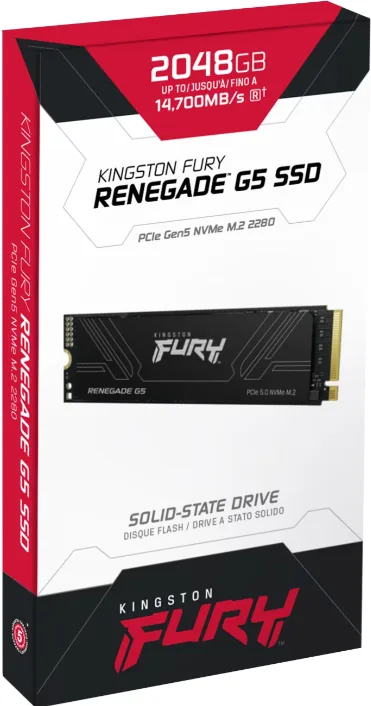
The packaging is understated yet sleek, with a clear gaming aesthetic that never feels over the top. On unboxing, I immediately noticed that Kingston has not included a heatsink. A deliberate choice, I suspect. Rather than forcing a one-size-fits-all solution, it gives users the freedom to choose how to cool the drive and what to use. Smart, since high-end motherboards with integrated SSD cooling are now the norm.
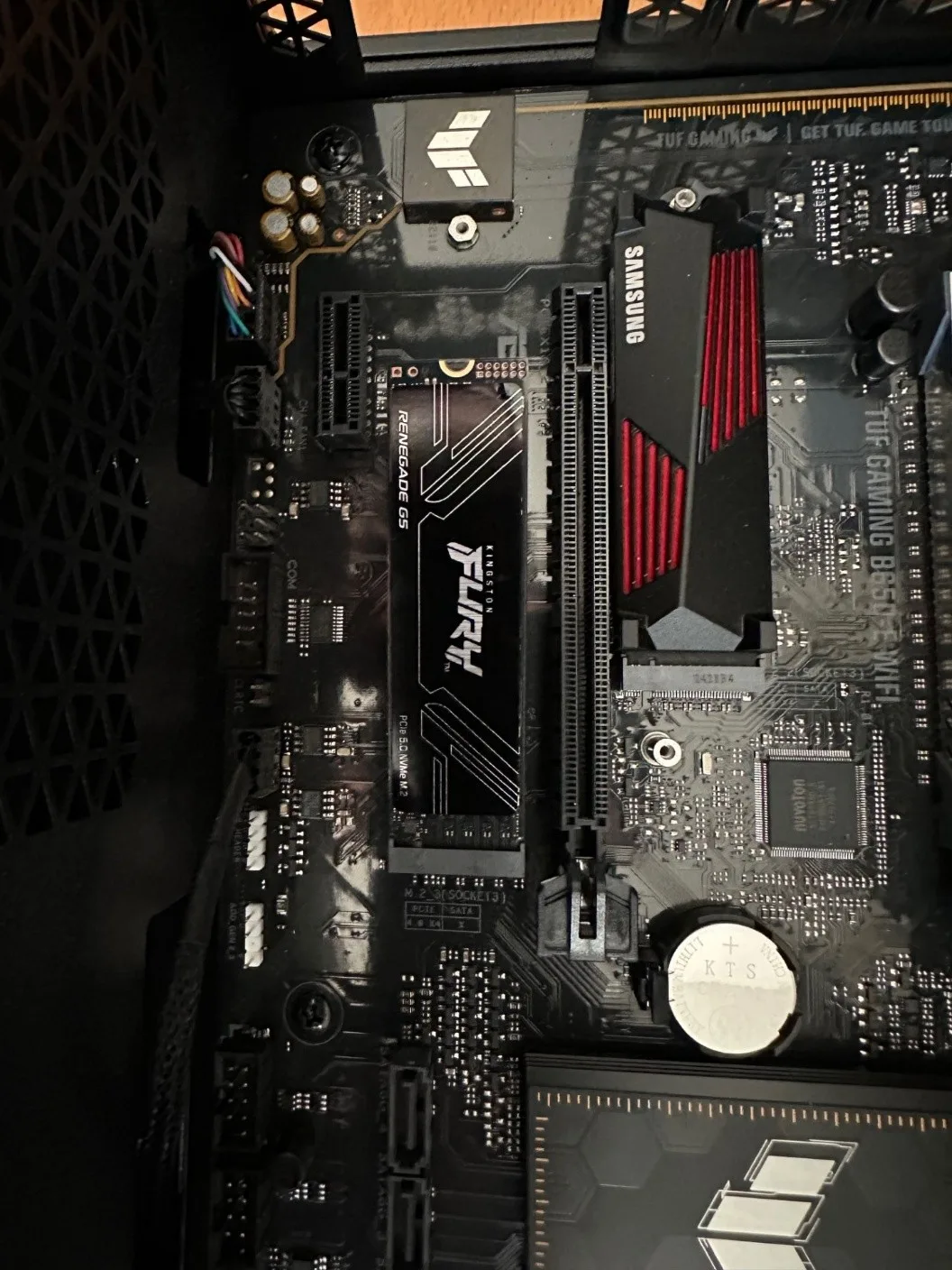
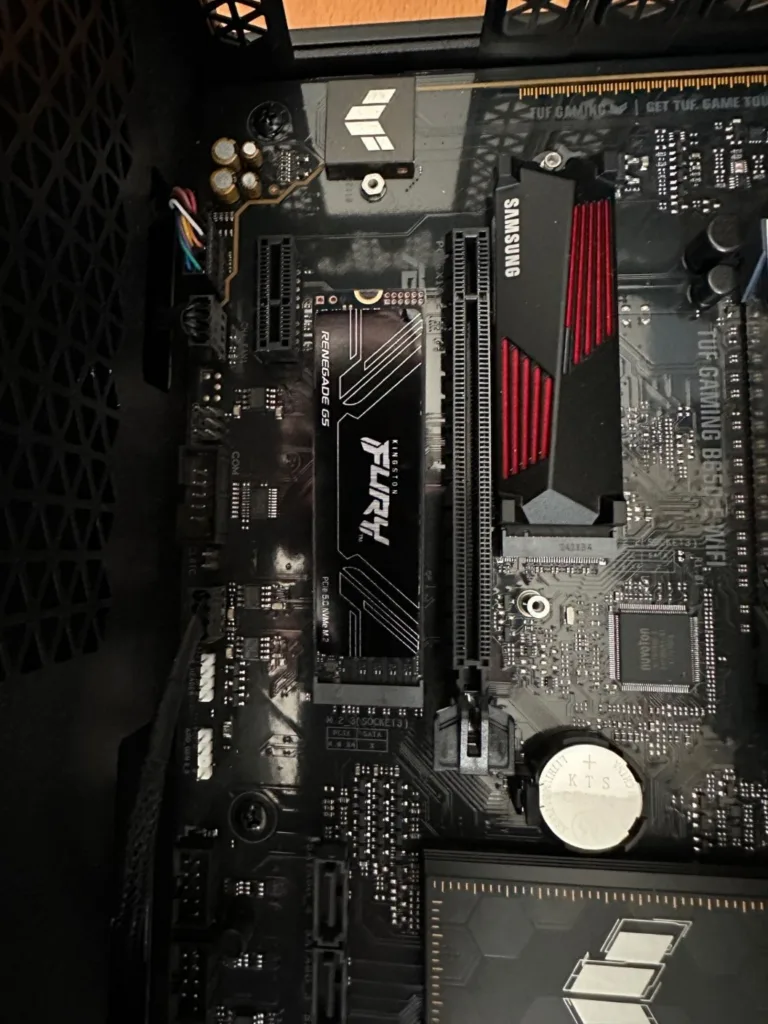
Installing the Fury G5 in a PCIe 5.0 slot felt like opening a new chapter for my system. This is no optional upgrade. This is a technological leap, one that immediately made me wonder: how big is the difference in practice?
In this review, I will walk you through my experience with this SSD: from benchmarks to everyday workloads, from performance to thermal behavior. Above all, though, I want to convey what I felt: sheer power under the hood, combined with surprising elegance.
Specifications and design – Minimalism with a mission
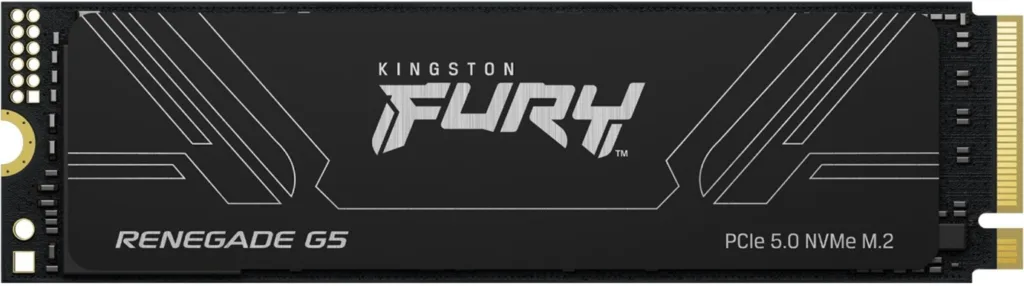
At first glance, the Kingston Fury Renegade G5 looks simple. No shiny accents, no RGB, no unnecessary frills. The M.2 form factor remains reassuringly compact, making installation effortless. Beneath the sleek aluminum label, however, lies an impressive piece of engineering.
The drive uses a blazing-fast four-lane PCIe 5.0 interface, paired with a powerful SM2508 controller and fast 3D TLC NAND. That may sound technical, but trust me: everything about this SSD is built for speed. Its advertised sequential speeds – up to 14,700 MB/s read and 14,000 MB/s write – are more than double what I was used to with PCIe 4.0.
What personally appeals to me is how versatile Kingston has made this drive. Whether you have a workstation, a high-end gaming rig or a creative studio handling massive files, this SSD is built to perform, without excuses.
CrystalDiskMark 8 – Pure speed in numbers
As soon as I installed the drive in my system and ran CrystalDiskMark 8, it became clear that these were not just promises on paper. This thing flies. Sequential read speeds came within touching distance of the advertised 14,700 MB/s. Even more impressive, though, was the write speed: over 14,100 MB/s – that is not just fast, it is next-level.
Here are the key CrystalDiskMark results from my tests:
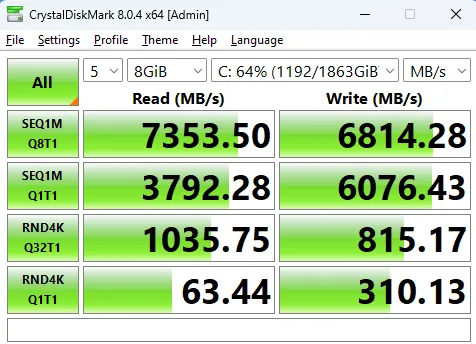
These results are not just impressive – they push the boundaries. The SEQ1M tests in particular reveal the full potential of PCIe 5.0. Files load as if they were already in memory. Multi-gigabyte video files open in a fraction of a second, games load incredibly quickly, and large project files move almost “without friction”.
In random 4K performance, particularly with multiple queues and threads (Q32T1), the G5 achieved surprisingly high figures. For anyone who regularly multitasks or uses demanding applications, that translates into a noticeably faster experience. Everything simply feels… more immediate.
Thermals & power consumption – Warm, but manageable
An SSD delivering this level of performance inevitably generates some heat. During extended benchmarks, temperatures climbed to around 54 to 56 degrees Celsius. That is on the warm side, but not alarming. What stood out was that the Fury G5 never throttled. No performance drops, no slowdowns. Even under heavy load, it kept powering through.
At idle, temperatures stay comfortably below 40 degrees, depending on airflow inside the case. I used my motherboard's standard heatsink during testing, and that proved sufficient – although I would certainly recommend additional cooling for intensive use in a compact case.
The drive also proves surprisingly refined in terms of power consumption. During light tasks, power draw remained minimal, at around 0.27 watts. Only under maximum write load did I see peaks just above 9 watts. That is substantial, but far from unreasonable for this level of performance. It feels as though Kingston has struck an excellent balance between raw power and energy management.
Performance comparison – In a class of its own
To put performance into perspective, here is an updated table featuring other popular SSDs – based on the same CrystalDiskMark SEQ1M Q8T1 test:
| Brand | Model | Type | Capacity | Write (MB/s) | Read (MB/s) |
| Western Digital | WDS100T2B0A | 2.5″ | 1 TB | 517 | 555 |
| Samsung | MZ‑V8V1T0BW | M.2 | 1 TB | 2,580 | 3,260 |
| Crucial | CT500MX500SSD1 | 2.5″ | 500 GB | 492 | 535 |
| Kingston | SA2000M8500G | M.2 | 500 GB | 1,053 | 2,208 |
| Samsung | 980 (500GB) | M.2 | 500 GB | 2,118 | 3,130 |
| Kingston | Fury Renegade G5 | M.2 | 2 TB | 14,132 | 14,720 |
As you can see, the Fury G5 is in a completely different league. While other SSDs sit between 500 and 3,000 MB/s, the G5 delivers literally five times that speed. This is not evolution, but revolution.
Conclusion – When performance comes first
After days of intensive testing, benchmarking and real-world use, I can draw only one conclusion: the Kingston Fury Renegade G5 2 TB is unquestionably one of the fastest consumer SSDs I have ever used. Everything feels more responsive, more immediate and smoother. And while most users may not need the full 14 GB/s every day, it still makes a difference – particularly to overall system responsiveness and workflow efficiency.
The Fury G5 is not cheap, and it certainly is not for everyone. But for anyone looking to get the most out of their system – whether for high-end gaming, video editing or data-intensive workflows – this is an investment that pays off in time saved, power and enjoyment.
Verdict
Editor's Choice – an absolute must-have.
Pros
- Fast read and write speeds
Cons
- Not cheap