
Reviews · Audio
HATOR Hyperpunk 3 review
Maurice De Pauw · December 29, 2025
Introduction
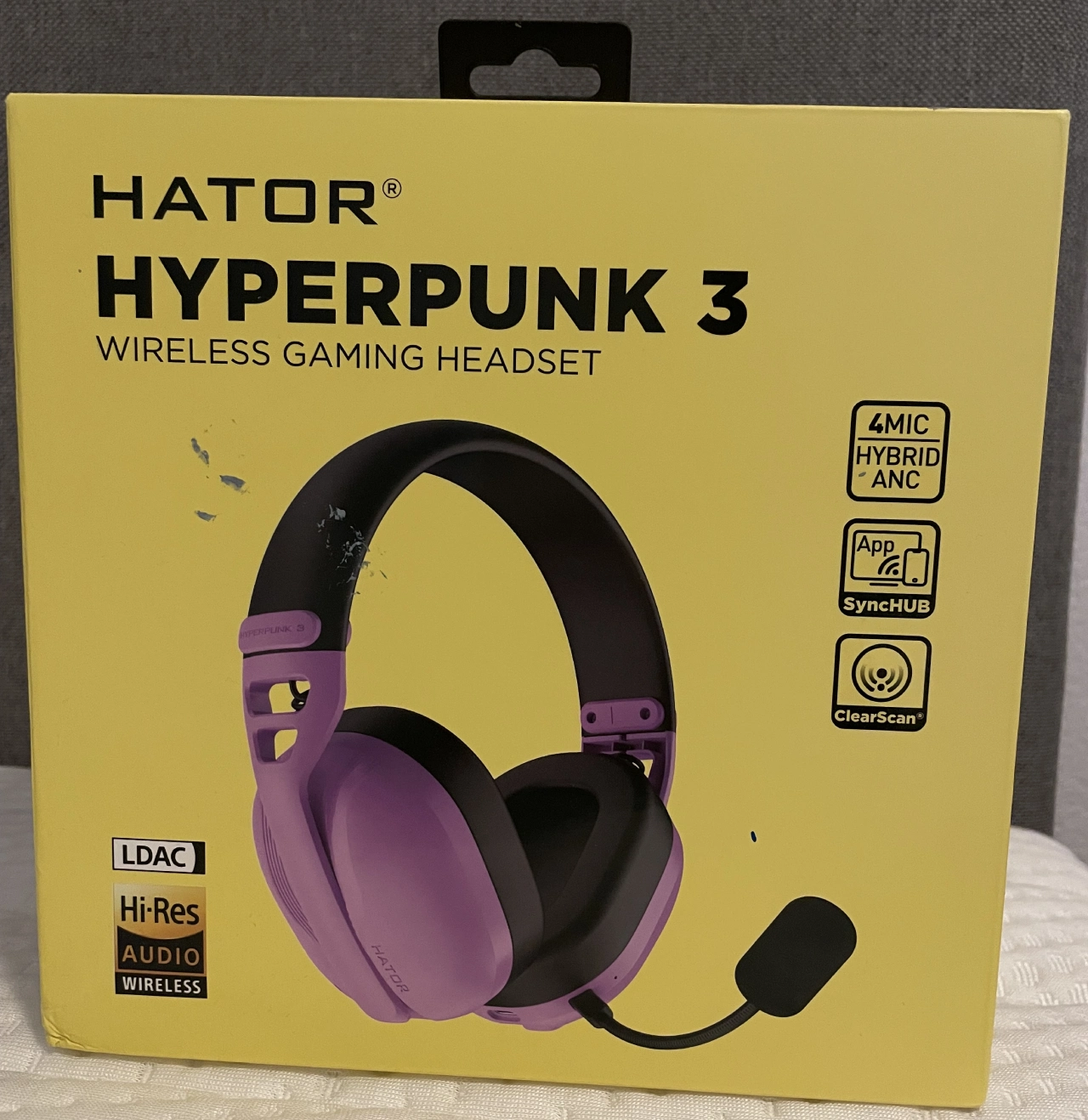
Today I’m reviewing the HATOR Hyperpunk 3 headset. I wanted to find out whether it holds up during long gaming sessions, sounds good, and is comfortable and practical. In this review, I explain what impressed me, what fell short, and whether I would recommend the Hyperpunk 3.
Specifications
Here are the key specifications of the Hyperpunk 3:
-40 mm Hi‑Res drivers with neodymium magnets
-Frequency response: 10 Hz – 44 kHz
-Impedance: 16 Ω
-Sensitivity: 115 dB
-Connectivity: 2.4 GHz dongle, Bluetooth 5.4 and wired via USB‑C / USB‑A
-Weight: approximately 240‑250 g (depending on variant)
-Battery life: up to 70 hours according to the manufacturer
-Microphone: detachable, unidirectional
What’s in the box
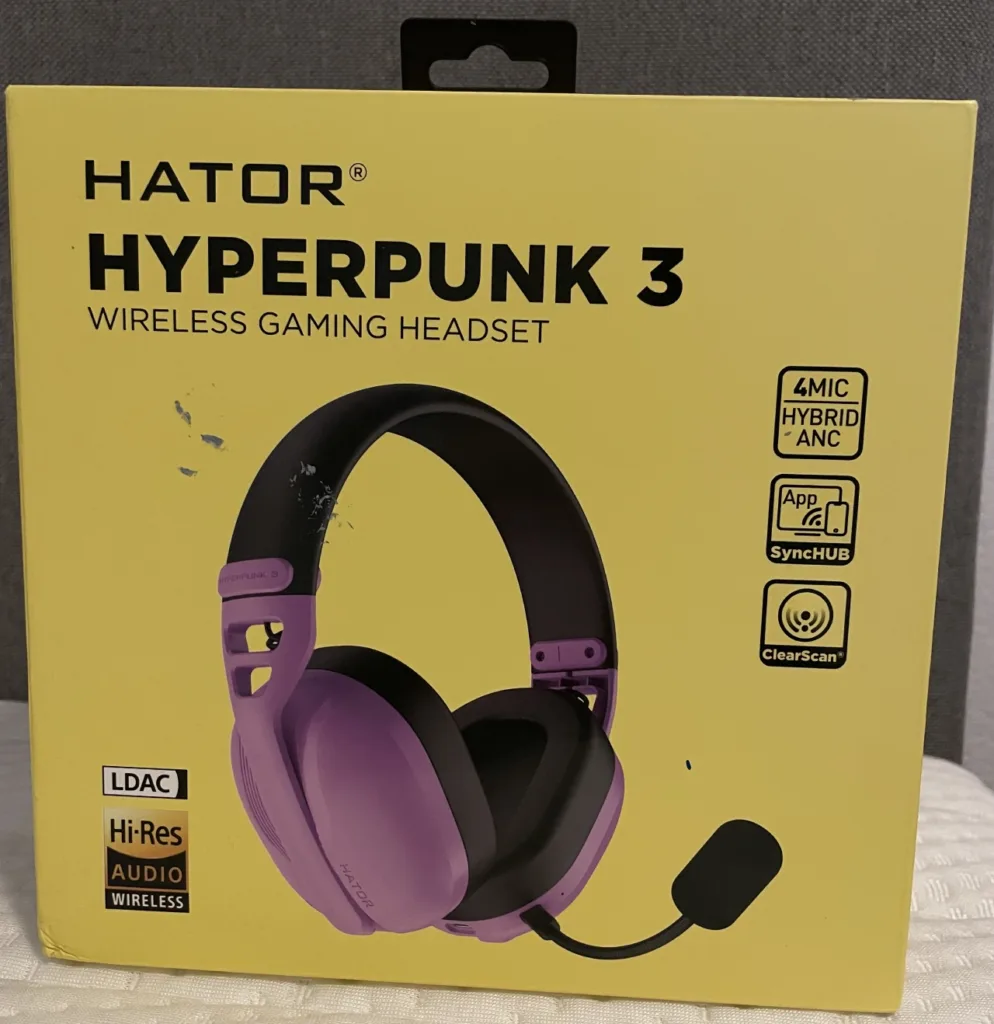
If you buy the wireless HATOR Hyperpunk 3 variant, the box contains the following:
- The headset itself
- USB‑C dongle (2.4 GHz) with USB‑A adapter
- USB‑C to USB‑C cable + USB‑C to USB‑A cable
- User manual
- The microphone (detachable from the headset). *The wired variant includes a standard cable (3.5 mm or USB, depending on the version) and, of course, the headset + microphone/cable.
Setup / Software
The Hyperpunk 3 uses HATOR’s software/app, HATOR SyncHUB, which offers a range of settings and extra options. If you’re using the wireless version, you pair the headset via Bluetooth or the 2.4 GHz dongle. You can then use the app to adjust settings such as the equalizer, sound profile and ANC (where available), as well as update the firmware. We recommend updating the firmware straight away to make sure you get the most out of the headset!
If you have the USB/wired version, you can use the companion desktop software on your PC to change settings. These include the equalizer, sample rate, virtual surround sound, microphone settings and more.
In short: connect it, select the headset as your audio device, then fine-tune it through the app or software.
First impressions and everyday use
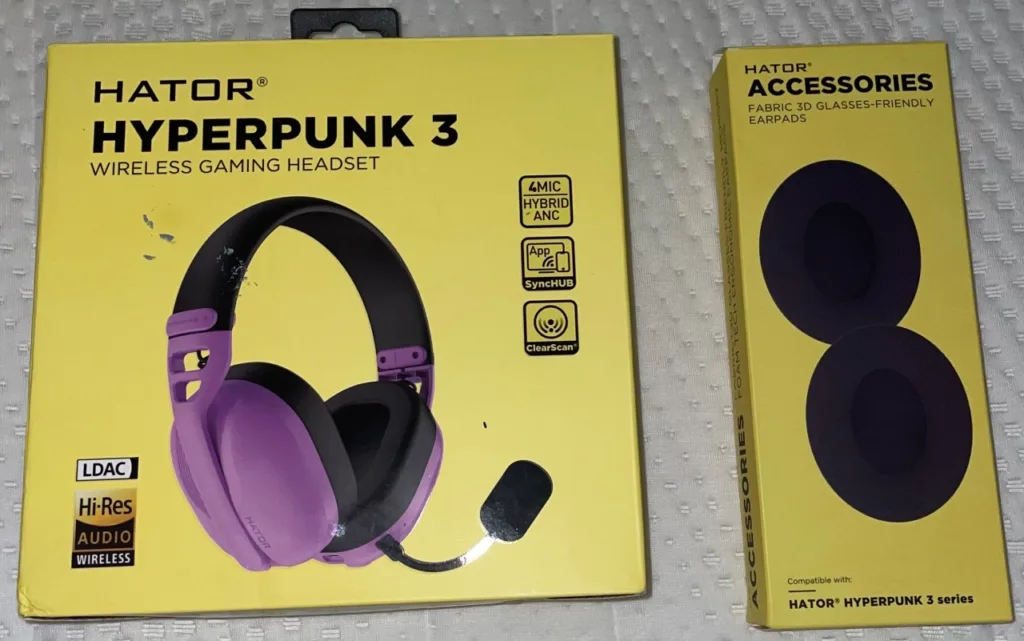
When I first used the Hyperpunk 3, I immediately noticed how light and comfortable it was to wear. The soft fabric ear cushions and memory foam keep it comfortable even during longer sessions. The build feels solid rather than cheap, and you can detach the microphone when you don’t need it, which is handy.
Hands-on experience
What I liked:
– Sound is clear and detailed thanks to the 40 mm Hi‑Res drivers. Vocals, game audio and music sound full and clear.
– Comfort is excellent: the low weight and soft ear cushions make it comfortable to wear, even during long gaming sessions.
– Flexibility: you can choose between wireless (2.4 GHz or Bluetooth) and wired connections, which is useful when switching between PC, console and mobile.
The SyncHUB app (or PC software for wired use) lets you adjust audio settings (equalizer, profiles and microphone settings) and update the firmware.
Things to keep in mind
HATOR released its PC software this month (December 2025), so make use of it! Its absence was a major drawback in our earlier reviews.
As for ANC, or noise cancellation, it isn’t perfect: don’t expect complete silence in a busy environment. My tip is to make sure the ear cups form a good seal around your ears, as that makes the biggest difference. The microphone may be perfectly adequate for professional streaming or recording, but it isn’t necessarily “studio quality.” After all, this is a gaming headset, not a high-end studio setup.
Conclusion
The HATOR Hyperpunk 3 is an enjoyable, versatile headset that offers good value for money. It is more than capable enough for gaming, music and general multimedia use. It delivers strong sound, is comfortable to wear and offers flexible connectivity, both wireless and wired. Looking for a headset for daily gaming sessions, chatting with friends or simply listening to music? The Hyperpunk 3 is a good choice. If you want a top-tier microphone or maximum sound isolation, though, it’s worth considering a slightly more expensive headset.
Despite a few minor drawbacks, I can certainly recommend the Hyperpunk 3 to anyone looking for an affordable, reliable gaming headset.
Verdict
Solid, with a few caveats.
Pros
- Clear, powerful sound
- Comfortable
Cons
- Software for wireless use