
Reviews · Gaming
Review: Corsair M75 wireless mouse
Steven van Eijk · May 9, 2024
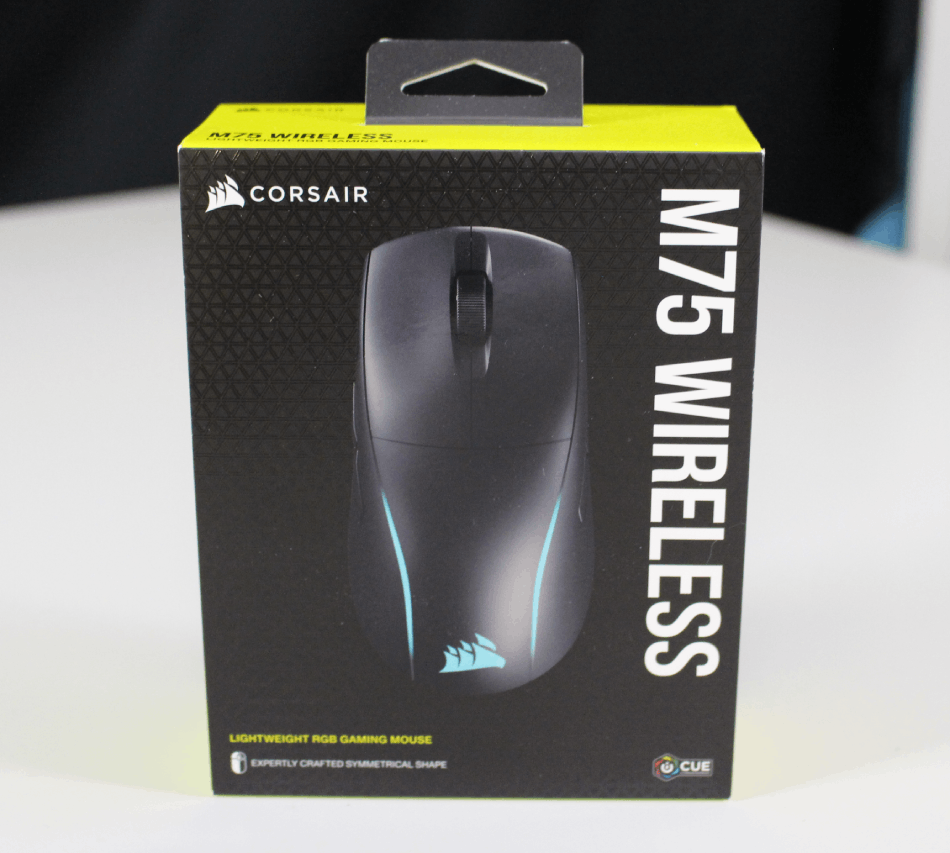
Corsair M75 wireless mouse
Corsair’s latest addition to its gaming mouse lineup, the Corsair M75 Wireless, promises a seamless and satisfying wireless gaming experience. With its focus on speed, precision and customization, this mouse looks like a promising choice for gamers of all levels looking for a reliable companion for long gaming sessions. But can Corsair live up to these expectations?
Box contents
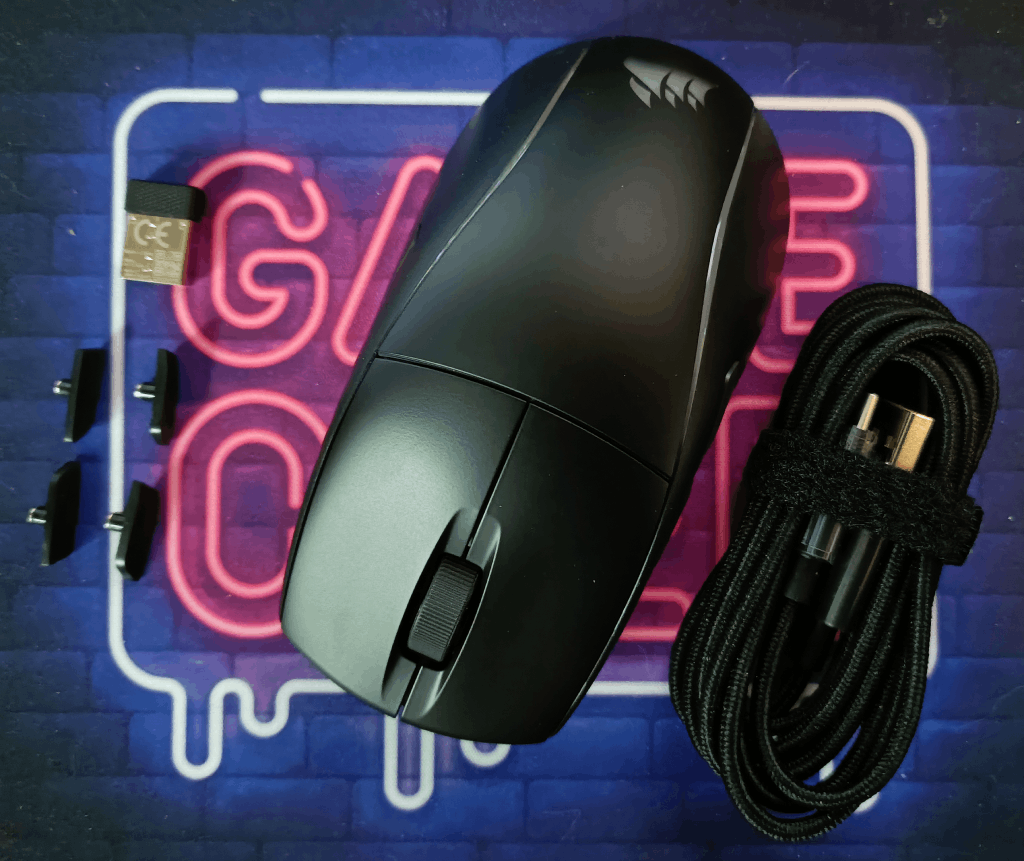
First, let's take a look at everything included in the box:
*Extra side buttons
*USB-C to USB-A cable
*Slipstream wireless dongle
*Corsair M7 wireless mouse
Specifications and features
*Ambidextrous shape with interchangeable side button
*89 g – Lightweight for top-tier FPS gaming
*Ultra-precise 26k DPI optical sensor
*Corsair quick-launch buttons
*Optical left- and right-click switches
*Fast, low-latency wireless connection
*Up to 105 hours of wireless battery life
*100% PTFE mouse feet
*Sleek, streamlined RGB
*Optimize your mouse in iCUE
Setup and use
The M75 can connect via Bluetooth, 2.4 GHz wireless or the included USB cable. The wireless dongle comes conveniently tucked into a small storage compartment underneath the mouse and is probably the best connection option if you have a spare USB port. Bluetooth works, but it isn't as stable or smooth as the 2.4 GHz connection, although that is a common issue with Bluetooth. The included USB cable is quite long, but it has a nice braided finish and generally feels well made.
For gamers who already own a Corsair product, setup is even easier, as the M75 Wireless uses iCue for RGB control and customization. Overall, this mouse is straightforward to set up and ready for gaming within minutes of opening the box.
The optical sensor offers an impressive 26,000 DPI. A higher mouse DPI means the cursor on the screen moves faster and more precisely when you move the mouse. This makes it easier to click on small items and move quickly in games or applications. With a higher DPI, you can use the mouse more precisely and get things done faster. In this respect, the Corsair M75 Wireless delivers highly accurate tracking and smooth movement, which are essential for a competitive edge in games. With six programmable buttons, gamers can customize their mouse to suit their unique playstyle and preferences. Wireless connectivity with a range of 10 meters also provides complete freedom and mobility without cables getting in the way.
Comfort and design
The M75 was designed from the ground up as an ambidextrous mouse. Whichever hand gamers use, this mouse feels equally comfortable in the left or right hand. The iCue software even lets users enable a left-handed mode that swaps all the buttons so they still feel natural. Going a step further, an extra set of side buttons makes the unused side more streamlined. While this might seem excessive, it really does make a big difference during gaming, especially for users with fingertip and claw grips.
The Corsair Quickstrike buttons on the M75 are incredibly responsive, with every click delivering a satisfying ‘snap’ at the bottom of its travel. The same goes for the side buttons. These often feel vague and unpleasant on mice aimed at FPS gaming, but all four side buttons on the M75 provide tactile feedback.
It has been said before, but battery life is one of the most essential features of a good wireless mouse, and the M75 does not disappoint. This mouse can deliver 105 hours of gaming on a single charge, far more than most wireless mice, especially in this weight class. During testing, the M75 only needed to be plugged in for charging once, and it was fully charged and ready to go within 90 minutes.
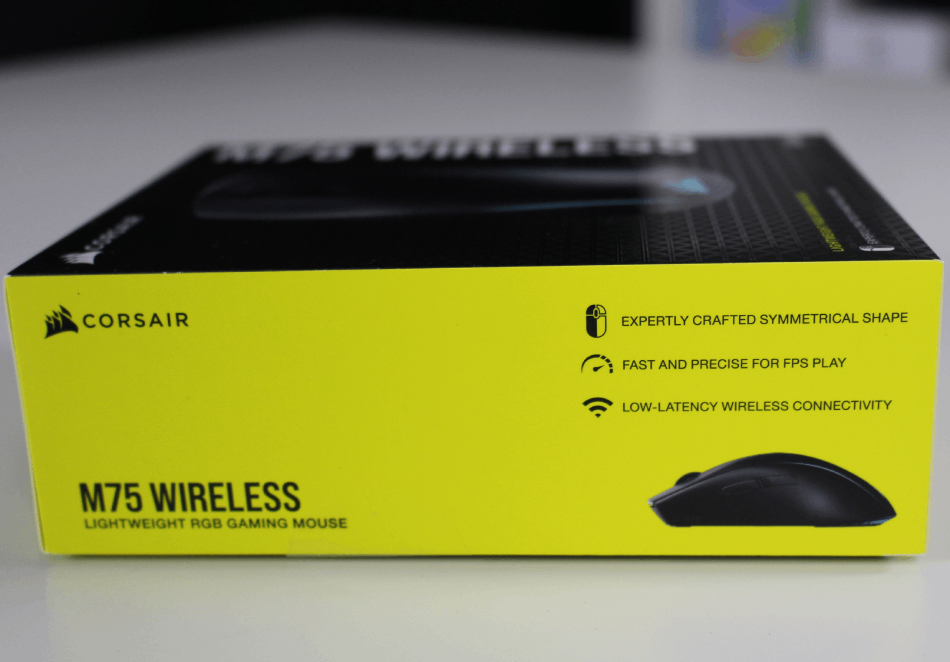
Features
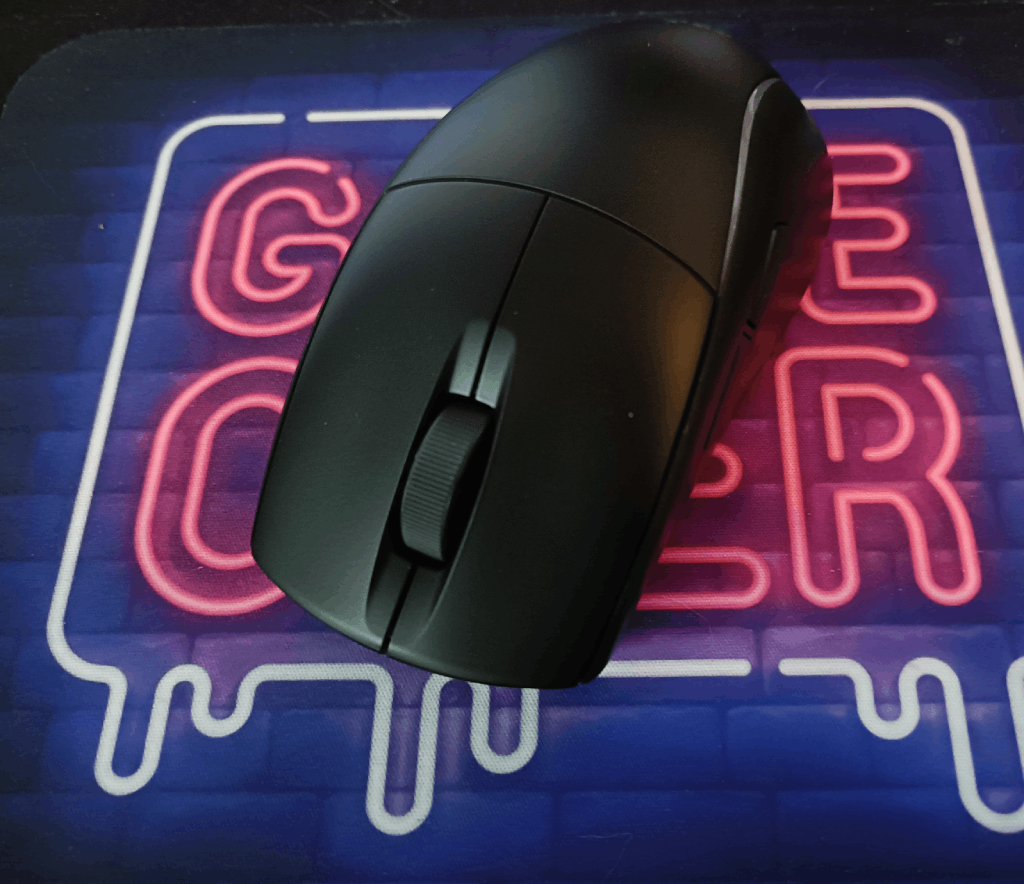
Although it isn't the lightest mouse available, its smooth PTFE feet and relatively low weight allow it to glide easily across most surfaces. Its slightly tapered shape keeps it from slipping out of your hand, allowing for quick, easy movements. However, it is still somewhat heavier than ultralight mice. Despite its understated appearance, this mouse is very comfortable overall, and most gamers won't mind the slightly higher weight as long as they don't have to lift it constantly.
Corsair’s iCUE software takes customization to the next level, allowing users to adjust the lighting and program macros to improve their gameplay. The customizable RGB lighting adds a personal touch to the mouse and can be synchronized with other Corsair devices for a cohesive look. A polling rate of 1,000 Hz ensures a fast, responsive connection, which is essential for smooth gameplay.
Battery life
Battery life is one of the biggest concerns with wireless mice, but I was pleasantly surprised to find that the Corsair M75 Wireless does not disappoint here at all. With an impressive battery life of up to 50 hours on a single charge, you can fully immerse yourself in your favorite games without interruptions. USB charging also offers a convenient solution for gamers who want to get back into the action quickly.
Conclusion
Corsair fully lives up to expectations. This mouse is incredibly comfortable, delivers outstanding performance and is an absolute pleasure to use day in, day out. Although it is geared more toward gamers, the M75 is also an excellent mouse for productivity work if users are willing to sacrifice a few side macro buttons.
Verdict
Recommended – a strong pick in its class.
Pros
- Fits comfortably in the hand
- Battery life
- Interchangeable side buttons
Cons
- Relatively expensive
- Feels heavy to lift